

 Summer Sale










 67%
67%
DeNoizzer
W. A. Production- Software: DeNoizzer
- Type: Utility
- Format: VST, AU, AAX, VST3
- Rating:
DeNoizzer
Silence The Noise
When it comes to intrusive frequencies embedded within your audio, a traditional noise gate is a sledgehammer when you often need a scalpel. Denoizzer is that surgical solution, designed to extract unwanted noise without hemorrhaging the soul of your sound. It’s the ultimate fix for less than perfect recordings. This plugin identifies troublesome frequencies and eliminates them - whether you’re dealing with the persistent hum of electronic gear, traffic’s distant rumble, or an intrusive room ambience. Stop compromising your mix because of circumstances beyond your control - just drop Denoizzer on your track, learn the noise fingerprint, and reclaim your audio in seconds.
Capture & Clean
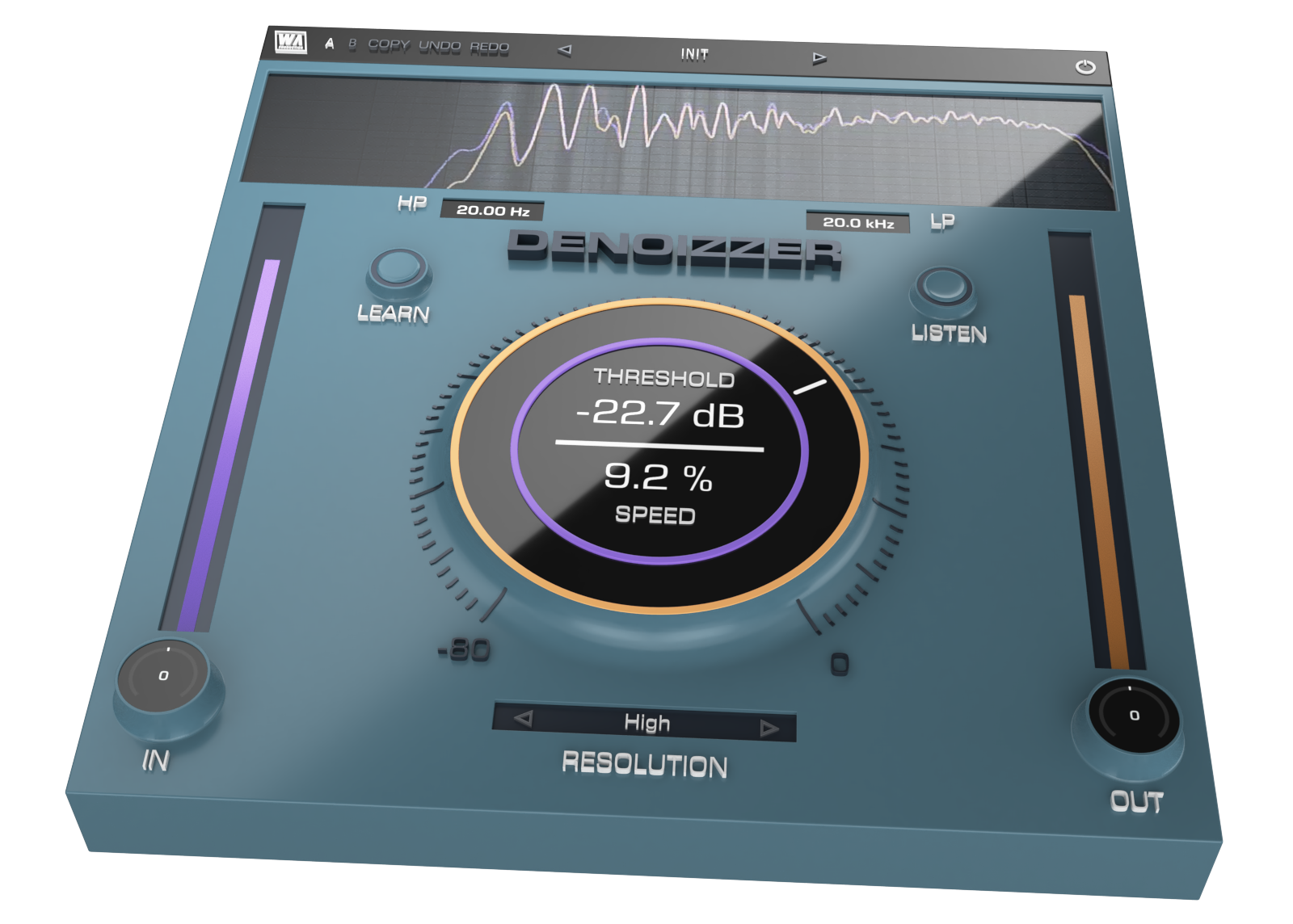
The core of Denoizzer's power lies in its ability to capture the specific characteristics of the noise you want to eliminate. Use the Learn button on a section of unwanted isolated noise for a few seconds. Once that is locked in, the plugin cleverly and intelligently reduces noise without interfering with the integrity of the remaining audio. This ensures that your entire cleanup process remains transparent and musical.
Total Control
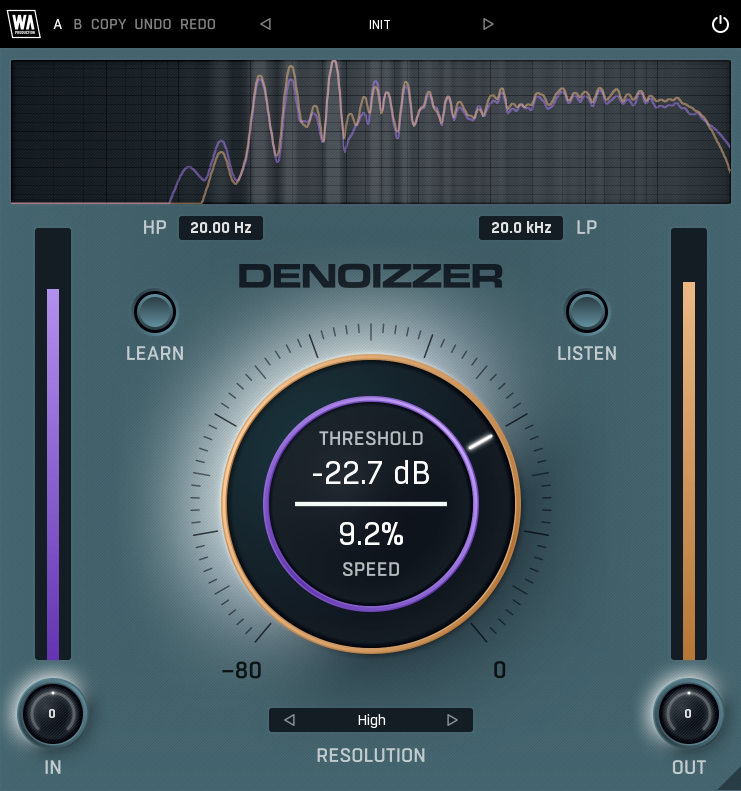
With a comprehensive set of tools, Denoizzer can be fine-tuned to perfection, with effective and targeted processing. Whether you need to eliminate low-end rumble or high-end hiss, the intuitive interface has the controls you need to achieve professional results. The central control covers Threshold and Speed, to trim noise from your audio and shape the attack and release of the response in different ways. High and Low Pass Filters further shape the frequency response of the processing, whilst Resolution sets the quality of the reduction algorithm.
Visual Feedback & Comparison
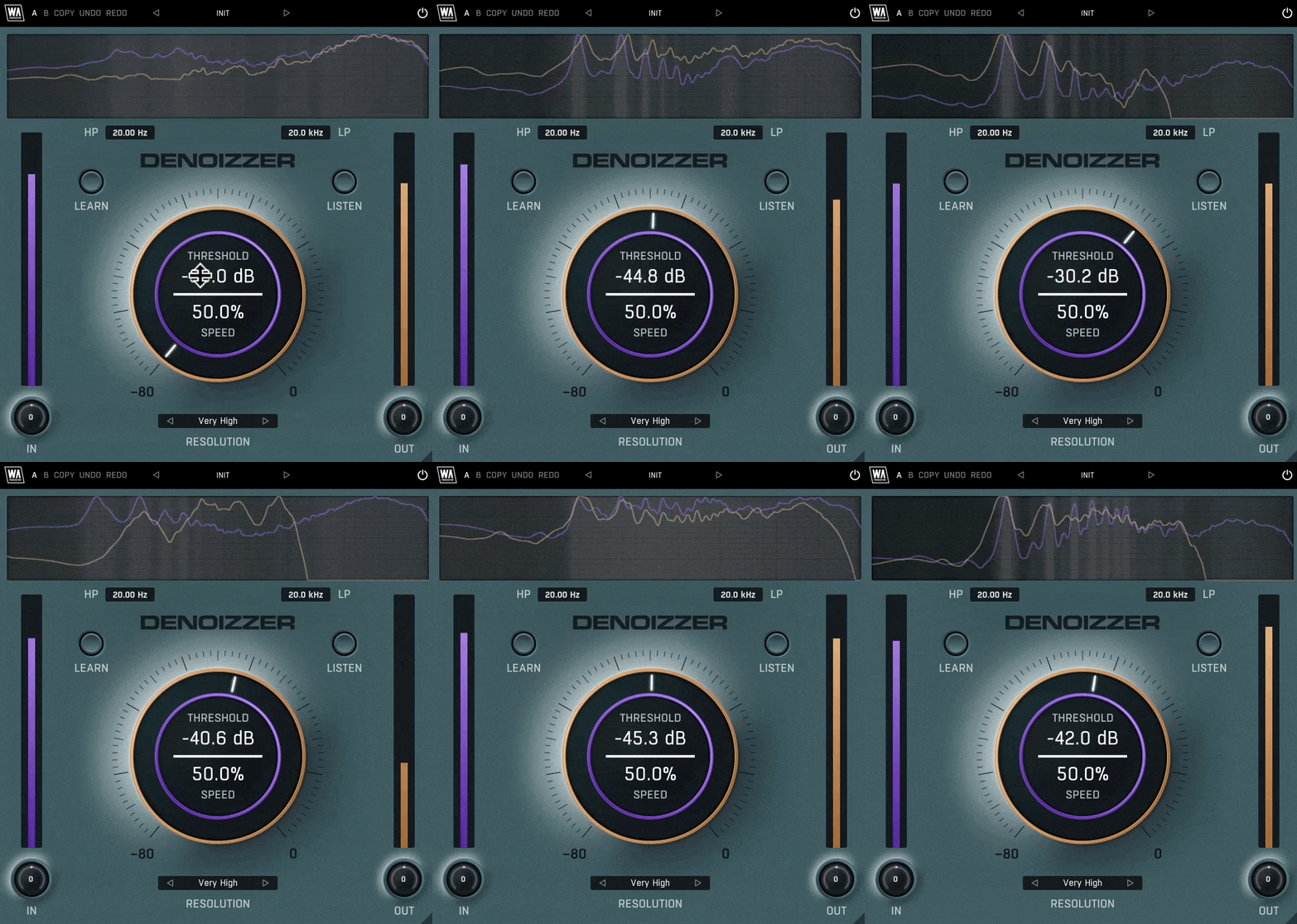
Denoizzer is built on vector graphics with a resizable interface. A live spectrum is displayed at the top, to help you identify problematic areas of your sound and show exactly what’s happening to the incoming and processed signals as they travel through the plugin in real time. This allows for accurate monitoring at every step of the chain. Use the Listen button to hear the noise profile in isolation. For those who like to experiment, contrast different processing chains with AB comparison and copy / paste. Use the undo / redo buttons to revert any changes.
Presets
Factory presets are included within Denoizzer, giving quick access to surgical correction for the most common audio issues. Use the provided parameters as starting points to clean-up any type of audio, bringing the best out of your sounds and productions.
W. A. Production are real-life producers making creative plugins to help you achieve studio quality processing quickly and easily. Enjoy!
Features:
- Learn noise profiles and eliminate them from any audio
- Listen mode for enhanced monitoring
- High & Low pass filters for frequency-specific cleanup
- Resolution for quality adjustment
- Speed response dial for different types of audio
- Frequency spectrum display
- AB comparison & Undo / Redo
- Resizable interface
- Responsive & CPU friendly
- Flexible factory presets
- Full PDF Manual & Tutorial video
Get the plugin manual HERE
Not Noisy Enough?
Denoizzer was developed as a direct cousin to our side-chain noise layering tool, Noizzer. This is your secret sauce for giving beats that extra snap, crackle and pop. Intelligently inject noise into your signal in a musical way, adding brand-new frequency content that wasn’t there before - fattening, sharpening, and energizing your sound in seconds. Give it a try!
FAQ
-
- Windows 10/11 or higher (64 bit)
- macOS 10.15 or higher (64 bit)
- AAX - ProTools 12 or higher
VST, VST3, AU, AAX, both Intel and Apple Silicon-based CPUs as well as Native AAX format.
Video previews

Previews
Ambient Noise
Headphone Bleed
Hum
Rumble and Static


You might also like plugins
- plugins
- sounds
- videos
- templates
- labels



Synthwave 2 for ImPerfect

KSHMR Essentials

KSHMR Reverb 1.2

Trap for Babylon 2
Squelcher


FireSnareVerb


PsychoPan














Hard Techno Course

Hardstyle Course

FL Studio Tech House Course

UK Garage FL Studio Course

Amapiano Course


Liquid Drum & Bass Course


Skrillex Style Track

Latin House Course

Deep Dubstep Course

Neuro Break Course


























Comments
Add new comment
Reviews 7 | Average Rating (12 Votes):